What is an eSIM and how does it work?
An eSIM (embedded SIM) is a digital SIM card installed directly on your device. It lets you connect to mobile networks without a physical SIM card. It is simple: just download, install it, and get internet access everywhere.
How does an eSIM work?
An eSIM works the same way as a traditional SIM card, but in digital form. Once you activate your data plan, the eSIM connects your phone to the strongest local mobile network it can reach at your destination.
Nothing really changes: same WhatsApp number, same apps, only fast and reliable internet. Just remember to check that your device is eSIM-compatible.
How to install your eSIM
Choose one of these methods
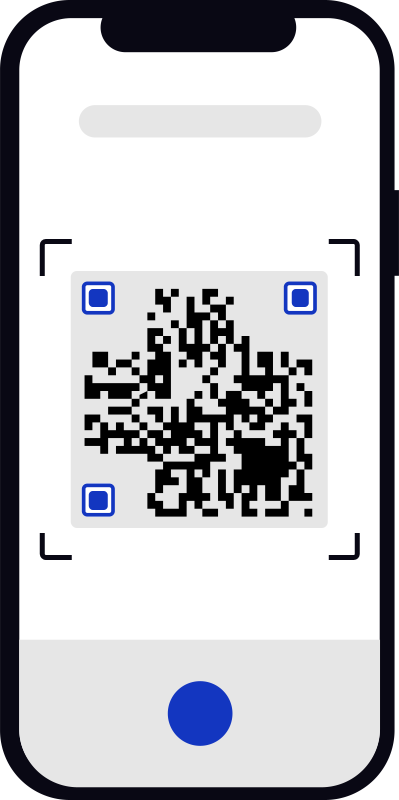

Plans activate when you turn on data roaming at your destination, so install any time before your trip.

Stuck on a step? The full walkthrough lives in the install guide.
Start your journey
with Simzora
Get your eSIM by email in minutes, for Pakistan and 180+ destinations, and land already connected.


eSIM benefits
Instant delivery
Right after your purchase, the eSIM is delivered to your email as a QR code within minutes.
Always in your phone
Once installed, an eSIM can’t be lost, damaged, or stolen, it lives inside your device.
Keep your WhatsApp
Your apps keep working with your same number, the eSIM only carries the data.
Save money abroad
A travel eSIM is a much cheaper alternative to home-carrier roaming, money you can spend on the trip.
Easy to install
The installation only takes a few minutes, and you can do it whenever you want before flying.
Works the moment you land
Install before you fly and the plan opens on your first connection abroad, so you walk out of the airport already online.
SIM card vs eSIM
- Immediate connection after landing
- Store multiple plans
- Instant delivery
- Can't be lost or damaged
- No plastic waste
- Immediate connection after landing
- Store multiple plans
- Instant delivery
- Can't be lost or damaged
- No plastic waste

Why do travelers pick Simzora?
Simzora eSIM for iOS and Android
iOS
iPhone XS, XR and every model since support eSIM. US models from iPhone 14 are eSIM-only.
Settings › Cellular › Add eSIM, then scan the QR code or enter the codes manually.
Store several plans and keep two active at once alongside your physical SIM.
Android
Galaxy S20 and newer, Pixel 3 and newer, and many recent models from other brands. It varies by model, so check yours.
Settings › Network & internet › SIMs › Add eSIM. Menu names vary a little by brand.
Recent Android phones store several eSIMs, and many support dual SIM with your physical card.